Linetypes your CAD system can't draw on its own.
AutoLINE adds professional complex-linetype creation and management to AutoCAD and BricsCAD — blocks instead of shapes, true multiple parallel lines, and over 100 linetypes ready to use or customize.
Used by US Forest Service, Bureau of Land Management, NYC DDC, and thousands of engineers, surveyors, and architects worldwide since 1989.

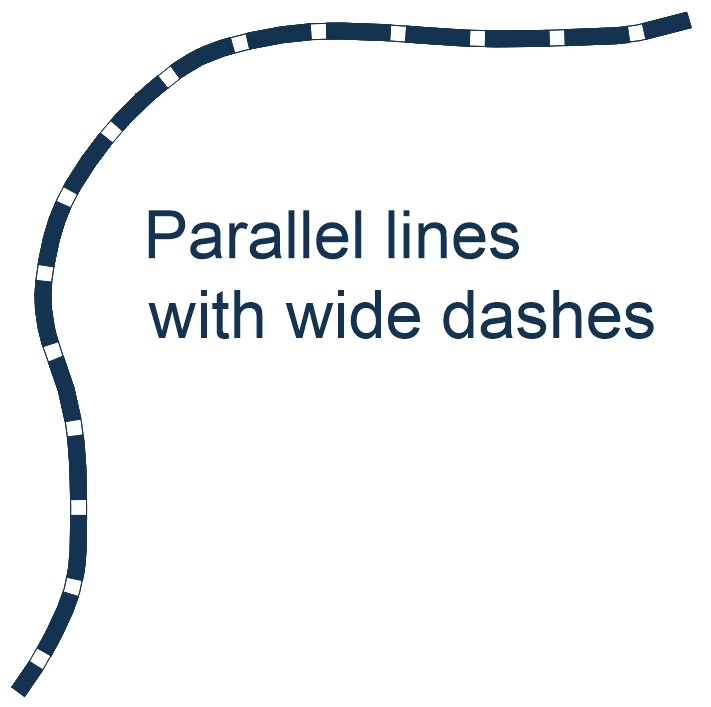
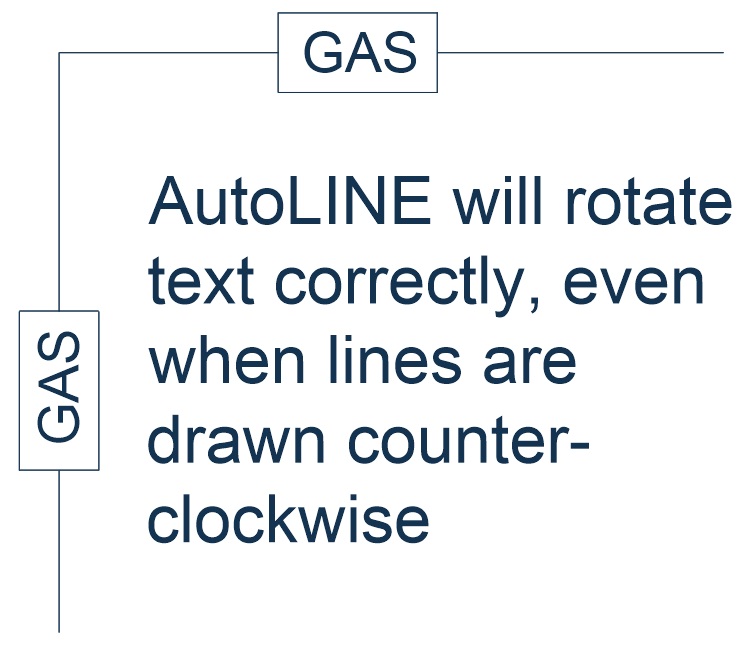
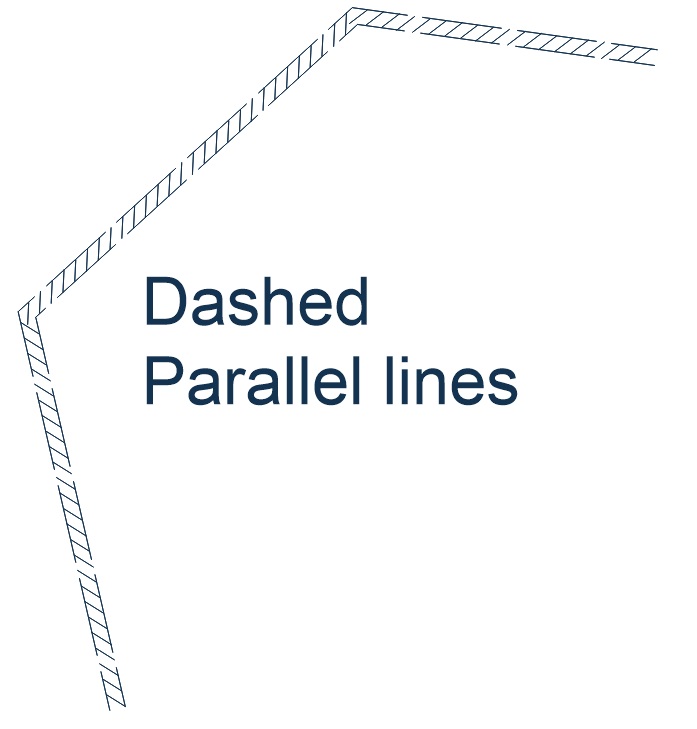
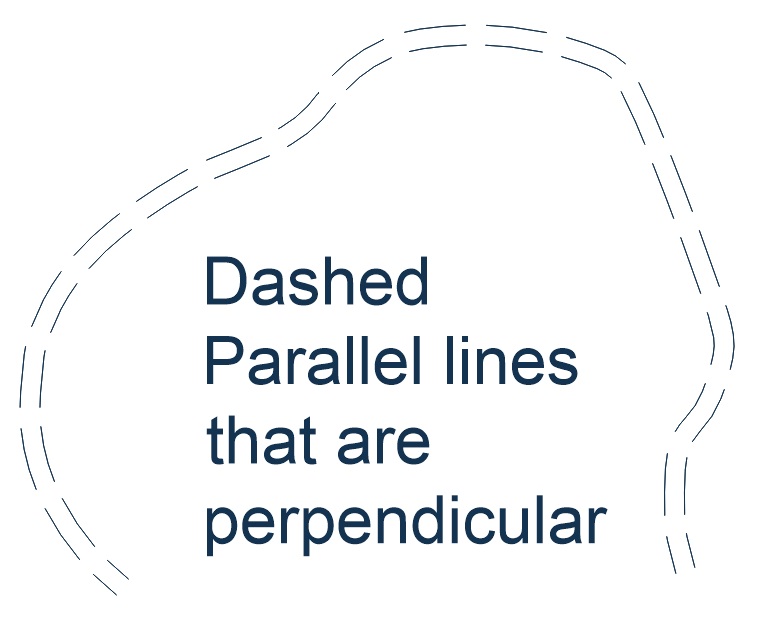
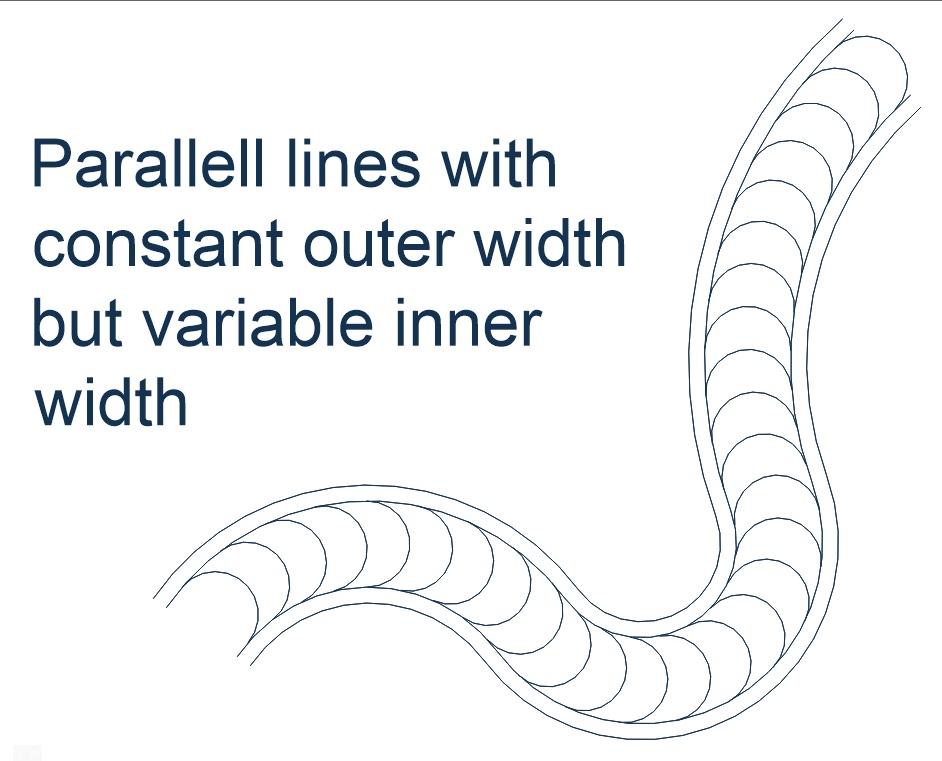
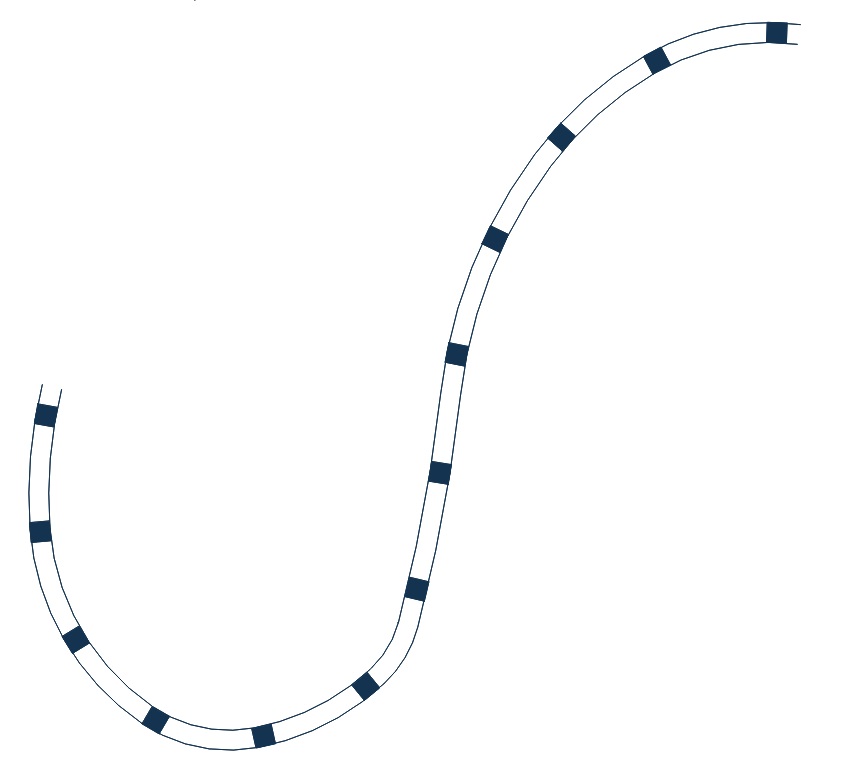
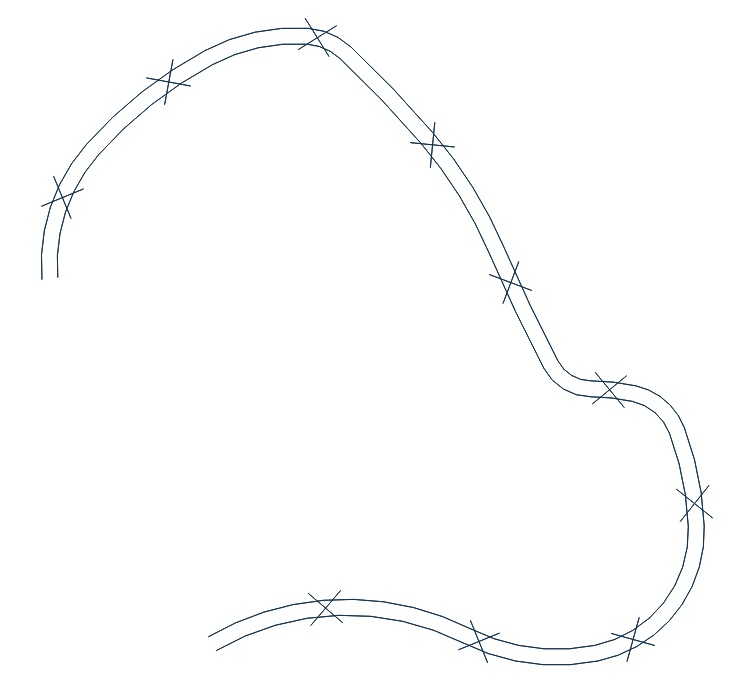
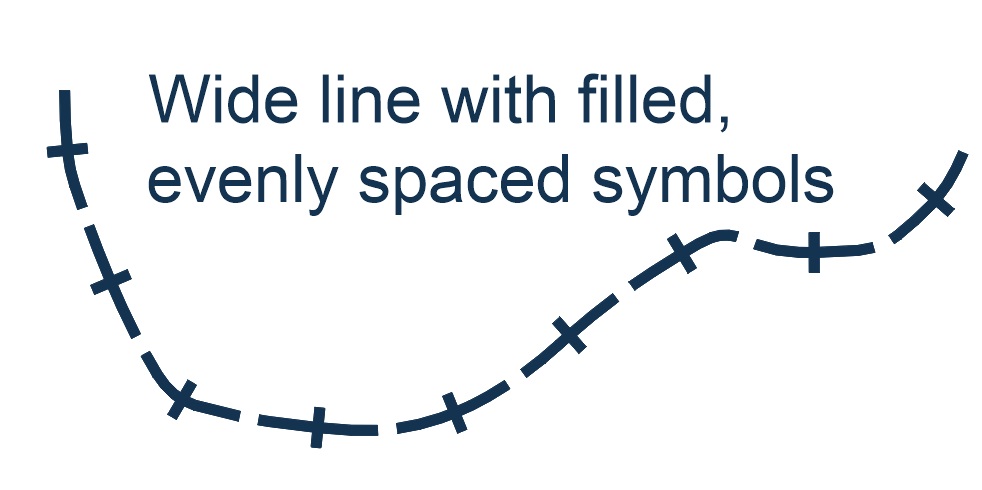
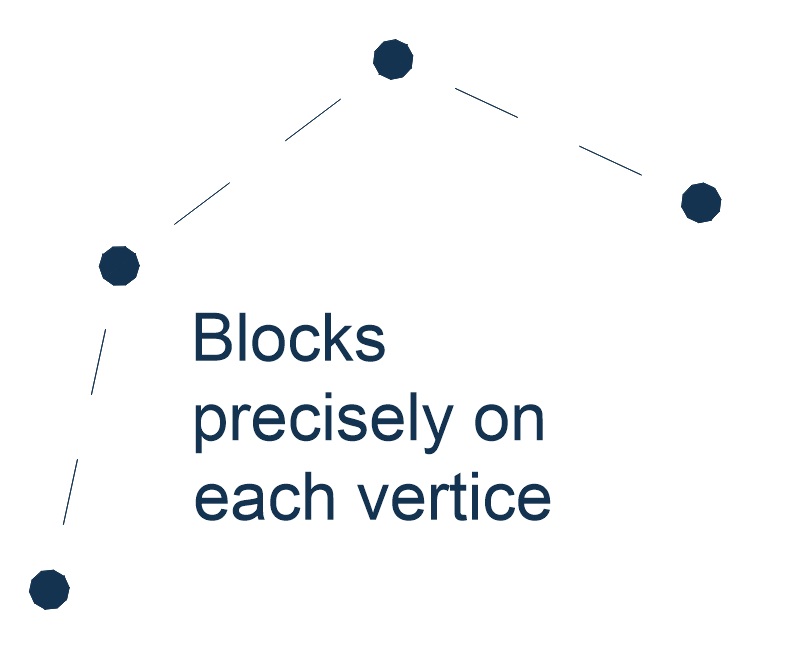
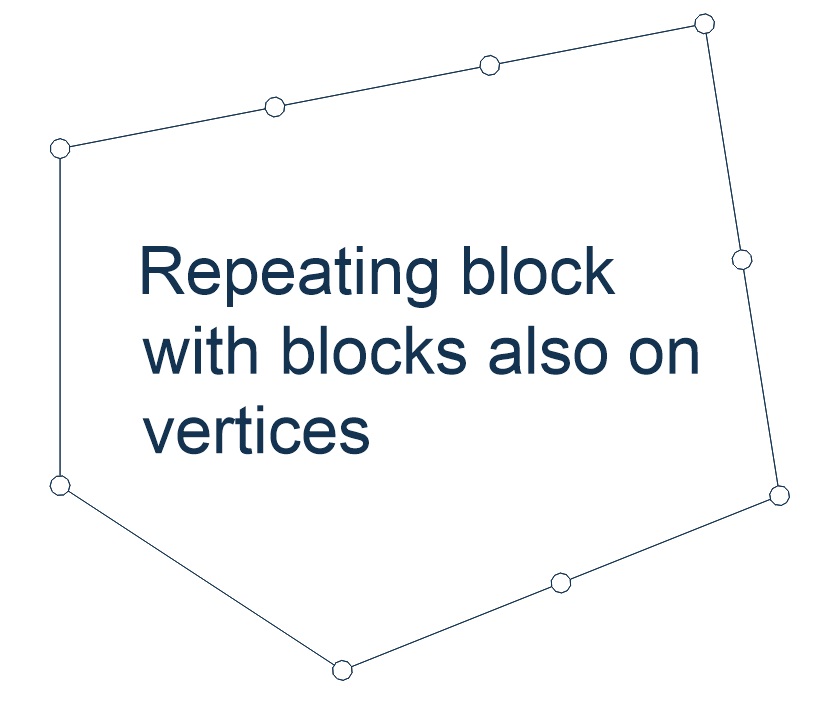
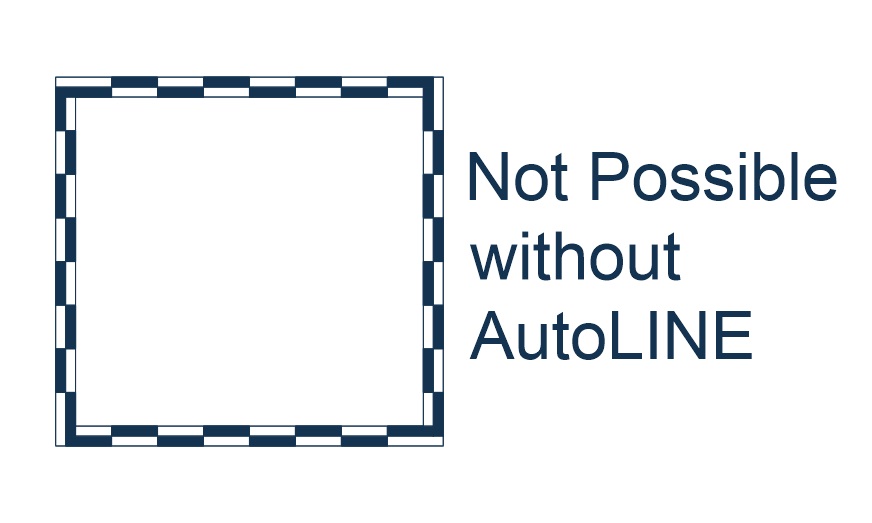
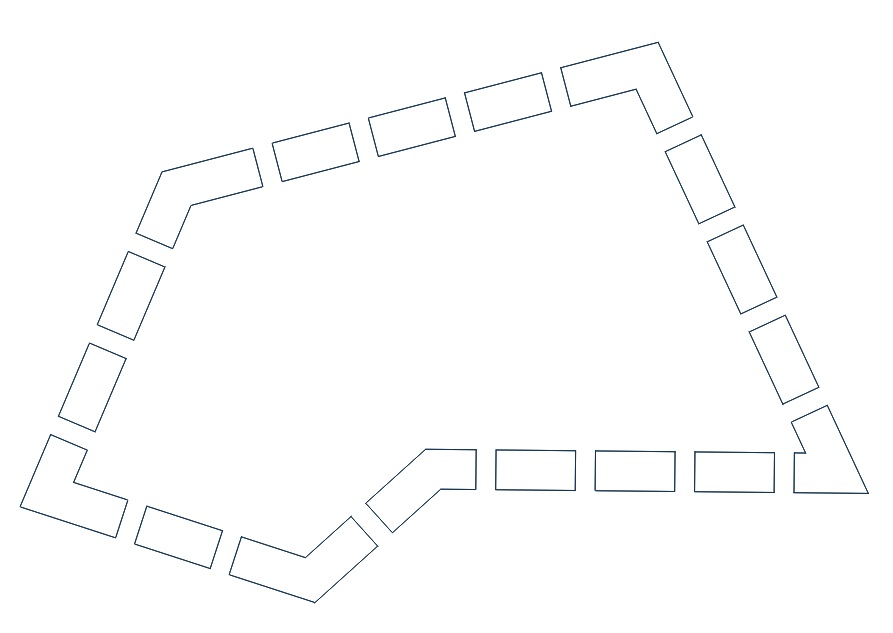
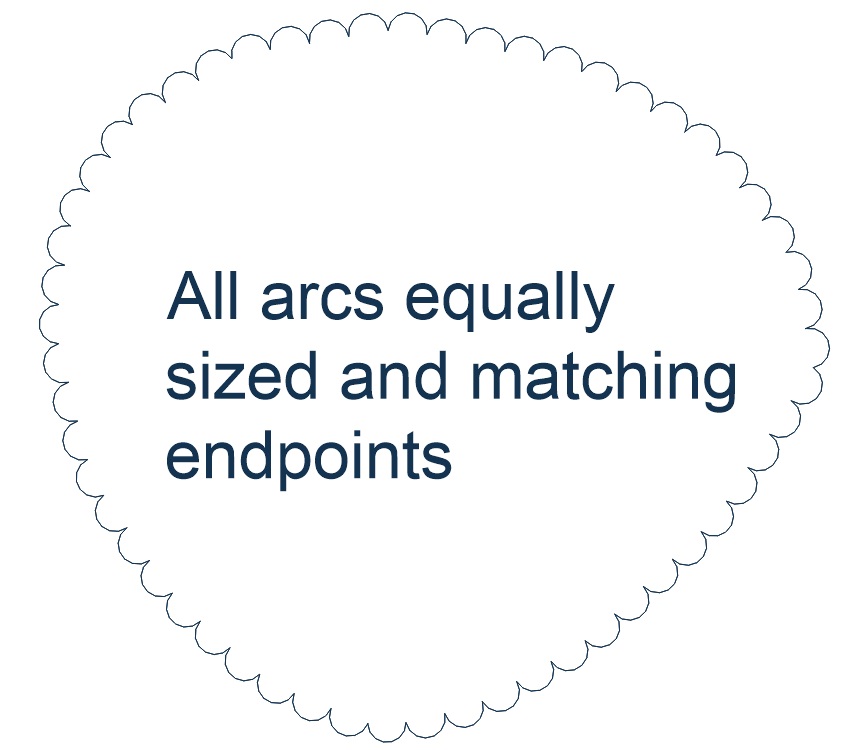
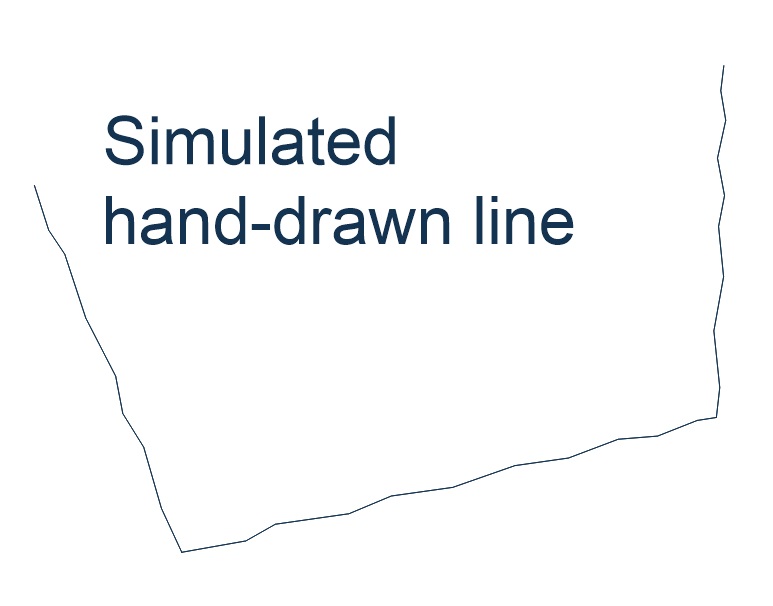
Can your CAD system make linetypes like this?
With AutoLINE, it can. It provides professional linetype functionality to AutoCAD and BricsCAD, with an interface built for modifying linetypes the way you actually work.
- Advanced linetype management with a dedicated editing interface
- Multiple parallel lines with variable width in a single linetype
- Use blocks in your linetypes, not just shapes
- Blocks, text, or a negative dash can come first in the definition
- Control line width or text per entity, not just per linetype
- Comes with over 100 built-in linetypes, ready to customize
- AutoLINE entities edit just like any other CAD entity
- Works with AutoCAD 2021–2027 and BricsCAD V21–V26, all varieties except Lite
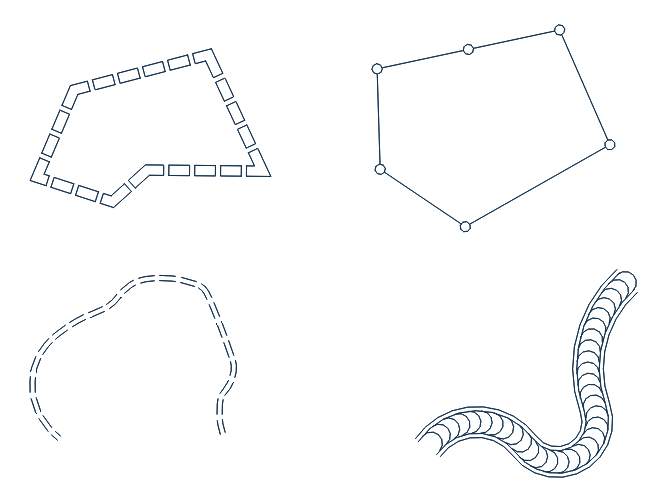

Features
Everything you need to build linetypes AutoCAD's native tools can't produce on their own.
 ▶
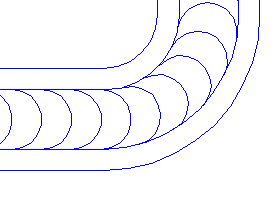
▶Blocks instead of shapes
Blocks are easier to build and modify than shapes, and add fills, differing layers and colors, and independent X/Y scale.
 ▶
▶Multiple parallel lines
Any number of parallel lines in one linetype — roads, walls, barriers. AutoCAD's MLINE can't draw curves; AutoLINE can.
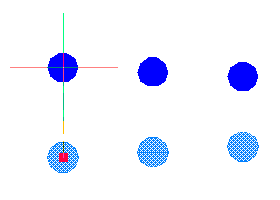 ▶
▶Blocks or dashes first
Start a definition with a block, text, or negative dash — not just a positive dash, as AutoCAD-style linetypes require.
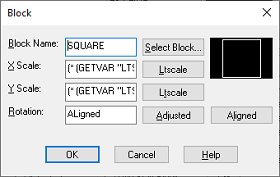 ▶
▶LISP expressions
Include LISP expressions directly in the linetype definition for text, rotation, and scaling.
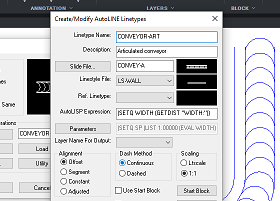 ▶
▶Dialog create / modify
Point-and-click creation and editing. AutoLINE converts your blocks into shapes automatically for AutoCAD-style linetypes.
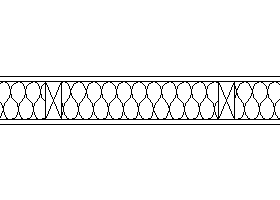 ▶
▶Combine two linetypes
Merge two linetypes into a single object for greater flexibility.
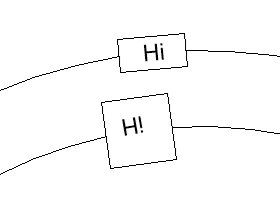 ▶
▶Correct text & block rotation
Text and blocks draw the way you intend — never upside down or backwards.
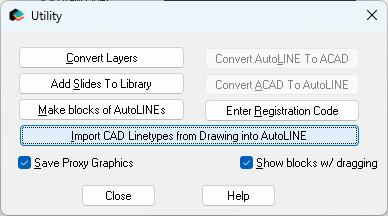
Import CAD linetypes
Imports every linetype already in the current drawing on demand, so you can modify or control their appearance through the AutoLINE interface.
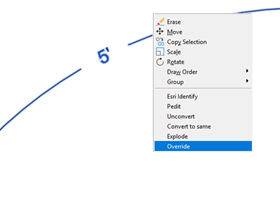 ▶
▶Override linetypes
Change a linetype's properties for one object only, without touching or saving to your .lin file.
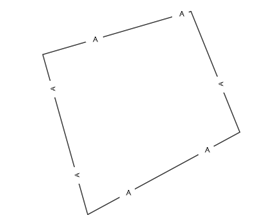
Rotation: bottom or right
Force text and blocks to always face the bottom or right of the drawing, so they stay legible.
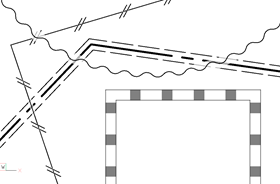
Transparency masks
Draw a mask behind a linetype so overlapping lines stay readable, with a clear sense of visual priority. Masks can be transparent or opaque.

Compatibility
AutoLINEs behave like native CAD objects — because they are.
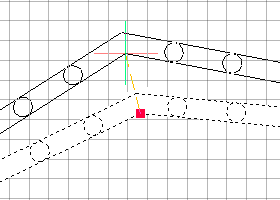 ▶
▶Behaves like lines, arcs, polylines
AutoLINEs are based on native CAD objects.
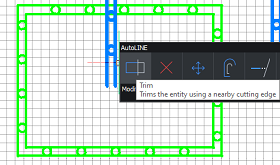 ▶
▶Edit with PEDIT, BREAK, TRIM, EXTEND
Use all your usual CAD editing commands, including grip-stretch.
Seamless file transfer
Drawings saved in AutoCAD or BricsCAD open in the other and look and behave identically.
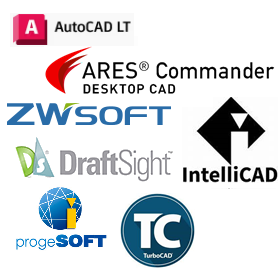
Visible without AutoLINE
Any CAD system that supports DWG can display AutoLINEs, even without AutoLINE installed.
Including AutoCAD LT, BricsCAD, DraftSight, TurboCAD, ZWCAD, and IntelliCAD.

Flexibility
AutoLINE creates two kinds of linetypes — standard AutoCAD-style, and AutoLINE's own far more flexible format. Use either, or both, through one simple interface.
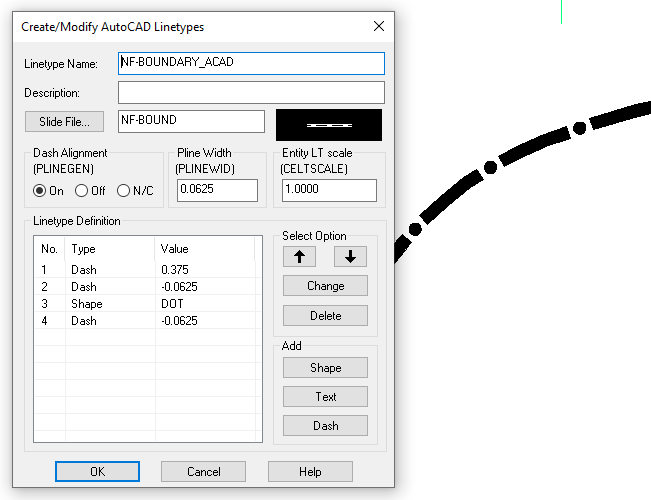
Polyline width & generation
Specify PLINEWID and PLINEGEN as part of the definition — AutoLINE keeps them drawn correctly automatically.
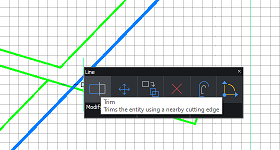 ▶
▶Explode to edit
AutoLINE lines can be exploded to edit or erase individual portions.
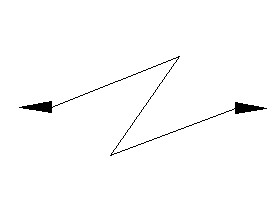 ▶
▶Start / end blocks
Place different blocks that appear only at the start and end of a line.
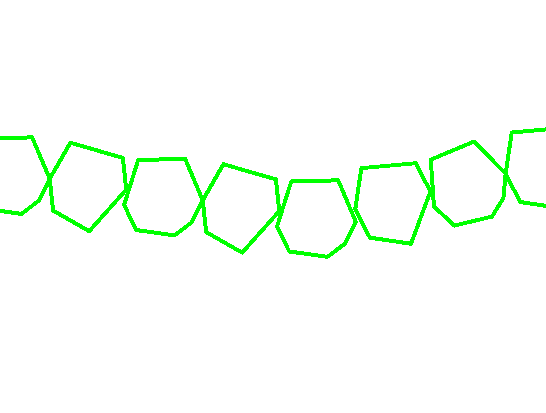 ▶
▶Negative-dash only
Positive dashes aren't required — build linetypes from blocks with negative dashes between them.
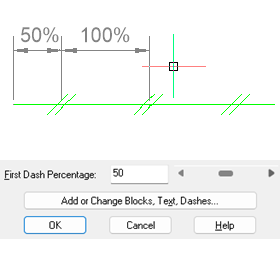 ▶
▶First-dash percentage
Set the first dash as a percentage of the next dash in the definition.
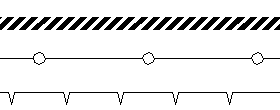 ▶
▶LTSCALE or actual size
Linetypes can respond to LTSCALE, or hold a real-world size regardless of it.

Advantages
Fine control over how blocks behave inside a linetype definition.
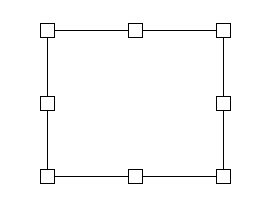 ▶
▶Blocks on vertices
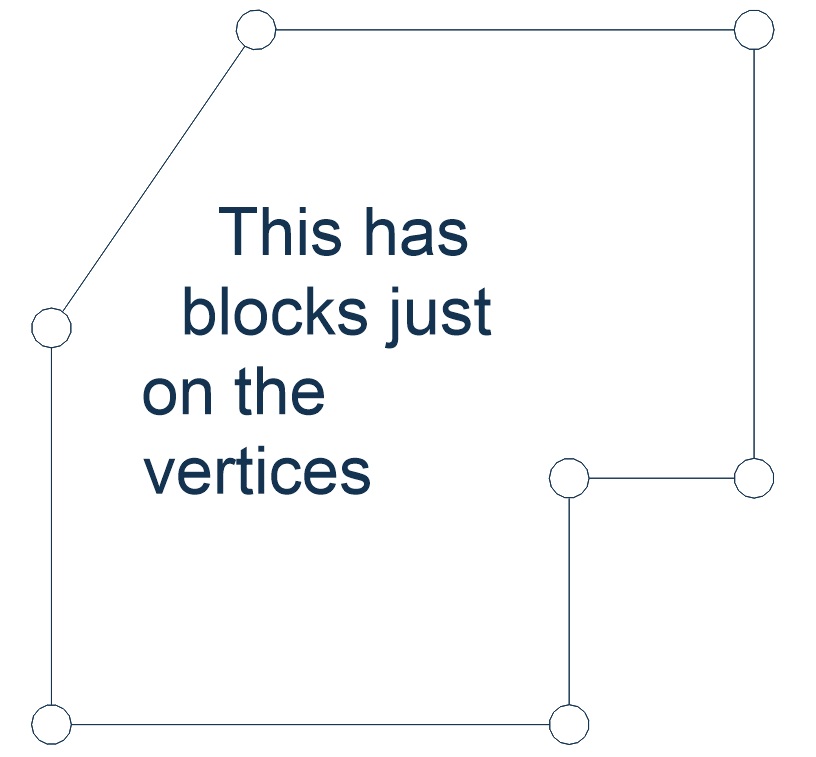
With a block first and Constant or Segment alignment, a block places on every vertex.
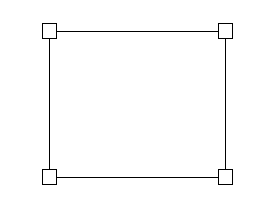 ▶
▶Blocks only on vertices
With enough dash spacing, blocks appear only on vertices.
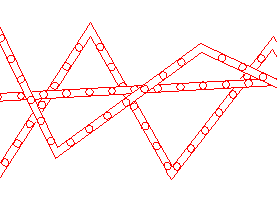 ▶
▶Wipeouts in blocks
Keep overlapping linetypes from intersecting using reference linetypes with wipeouts in the base linetype.
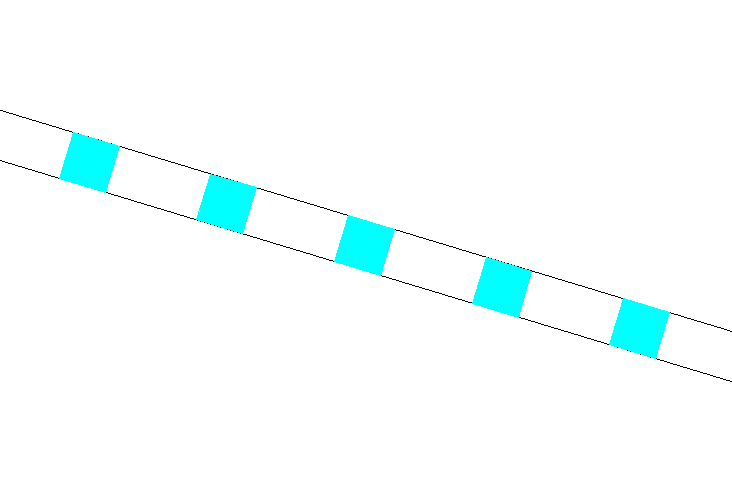
▶Fill
Blocks can include hatches, traces, or wide polylines.
 ▶
▶Independent layers
Block components can sit on a different layer than the line — useful for different zoom levels.
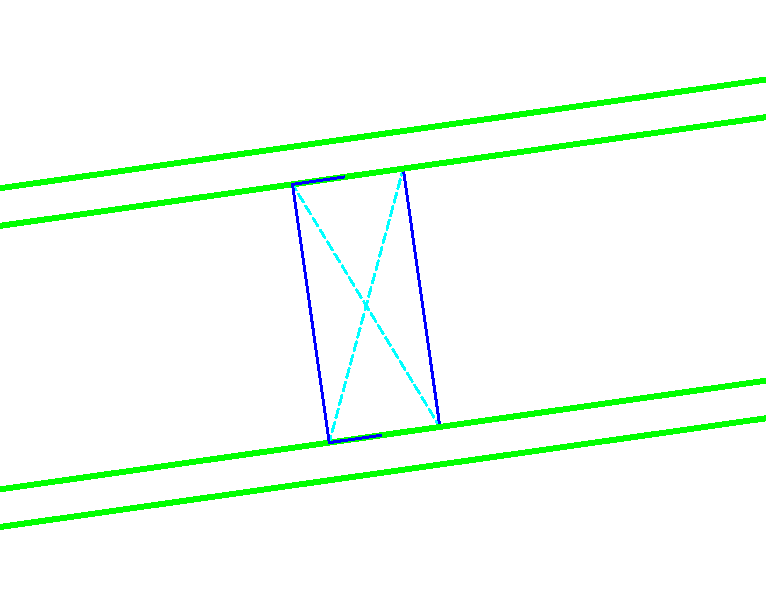 ▶
▶Independent color & lineweight
Block components can carry their own color or lineweight, separate from the linetype.
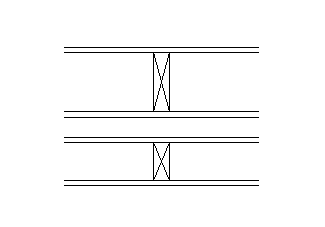 ▶
▶Independent X/Y scale
One block definition, reused across many situations by varying X and Y scale.
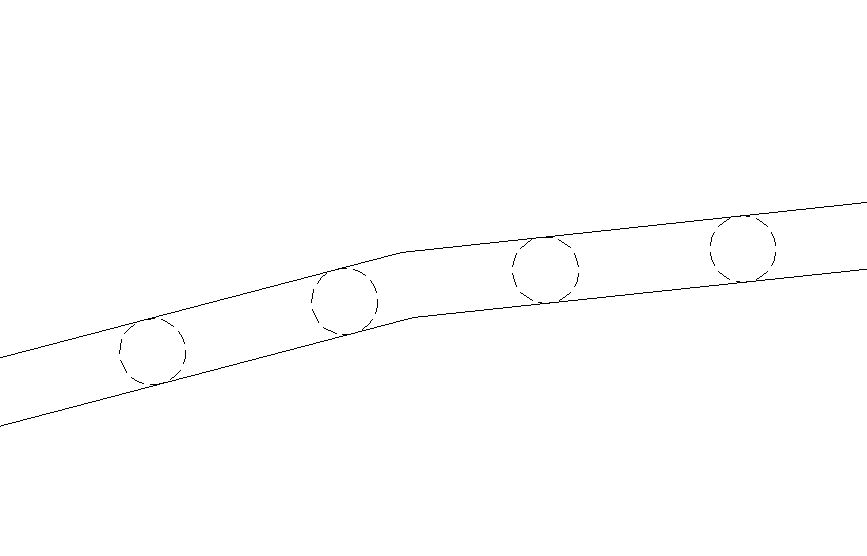 ▶
▶CAD linetypes within blocks
Freely combine regular CAD linetypes within AutoLINE linetypes.
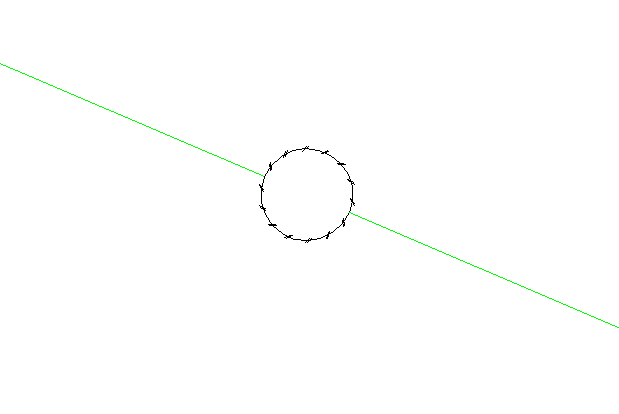 ▶
▶AutoLINE linetypes within blocks
For even greater flexibility, use AutoLINE linetypes within blocks within AutoLINE linetypes.
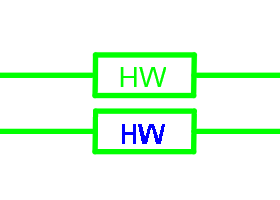 ▶
▶Redefine at will
Redefine the block, REGEN, and the linetype updates immediately, everywhere it's used.
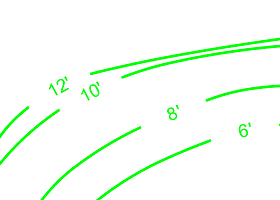 ▶
▶One-off overrides
Modify a linetype for a single appearance, convert the object, then modify it back — the linetype itself never changes.

Makes drawings look more professional
AutoLINE has the tools to give your linetypes the professional appearance they deserve.
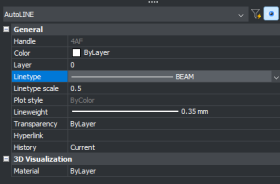 ▶
▶Completely integrated
Change linetypes from the entity property toolbar, ribbon, or palettes, including lineweight, color, and CELTSCALE per entity.
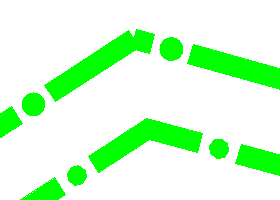 ▶
▶Properly miters corners
Unlike regular CAD linetypes, AutoLINE correctly miters corners on lines with width.
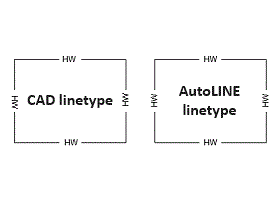 ▶
▶Draws legible text
Force text to read from the bottom or right of the page, at any angle you need.
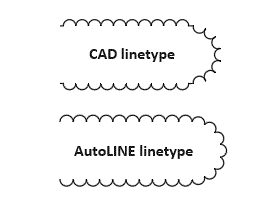 ▶
▶Rotates blocks properly
No flipped blocks on arcs and no stray dash segments — issues regular CAD linetypes don't handle.
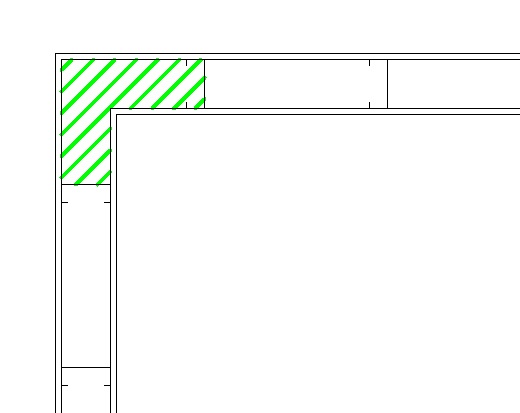 ▶
▶Hatch inside linetypes
Hatch any closed area without exploding the linetype first.
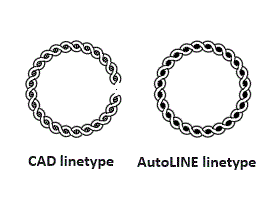 ▶
▶Adjusted spacing & scaling
An alignment method not available in regular CAD linetypes, scaling blocks and dashes to fit the available space.
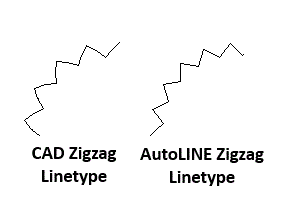 ▶
▶Draws true zigzags
Clean straight segments that meet exactly at endpoints — not shapes that miss each other.
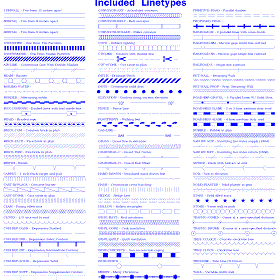 ⤢
⤢Over 100 linetypes
Built in and ready to use, many of which would be impossible to build without AutoLINE.
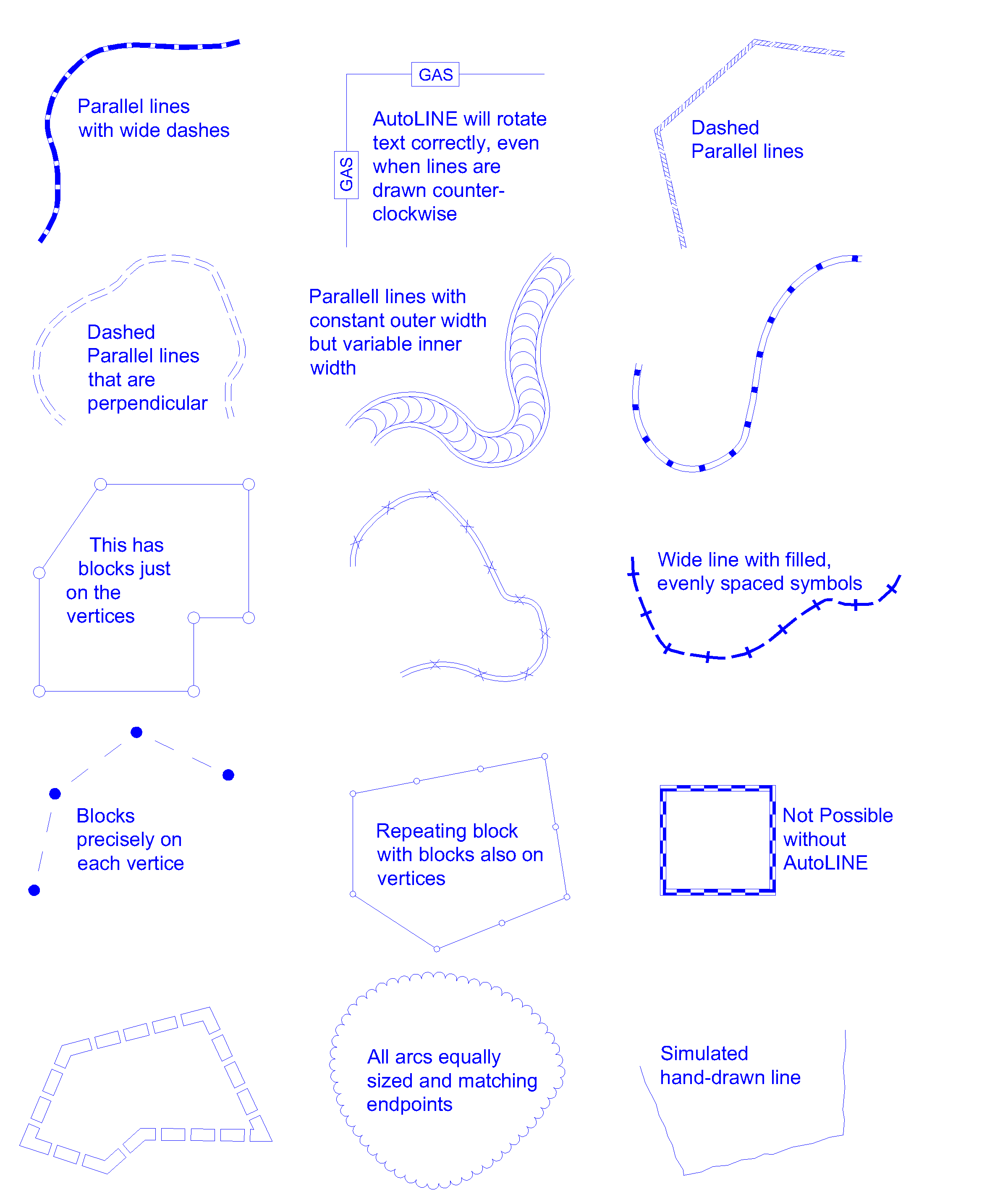 ⤢
⤢Complete Control
Create professional looking linetypes like this with AutoLINE.
What reviewers say
"AutoLINE is one of the greatest AutoCAD utilities I've encountered. It's fast, powerful, flexible, and — best of all — works just like AutoCAD. Highly Recommended."
David Byrnes, Cadalyst Magazine
"AutoLINE from Autodsys is an extremely useful, easy-to-use, and flexible application for those who need more complex linetypes — a must-have application for AutoCAD."
Nancy Spurling Johnson, Cadalyst Magazine
"AutoLINE is extremely useful, easy to use, and flexible, making it a deservedly popular utility. This new release adds even more depth to an already excellent and well-established product. Highly Recommended."
Ron LaFon, Cadalyst Magazine



Autodsys, Inc.
Autodsys has over 30 years of experience working with AutoCAD and over 20 years with BricsCAD. We've been producing AutoCAD add-ons since 1986 and have received industry awards for our products, including "Highly Recommended" and "Best Product of the Year" from Cadalyst Magazine. AutoLINE was originally released in 1989 for AutoCAD, and in 1998 became one of the first add-on applications for IntelliCAD.

- Company
- Autodsys, Inc.
- Phone
- 865-313-2060
- info@autodsys.com
Try AutoLINE free for 30 days
No obligation. See how AutoLINE handles your own drawings before you buy.
Download the trial Purchase AutoLINE